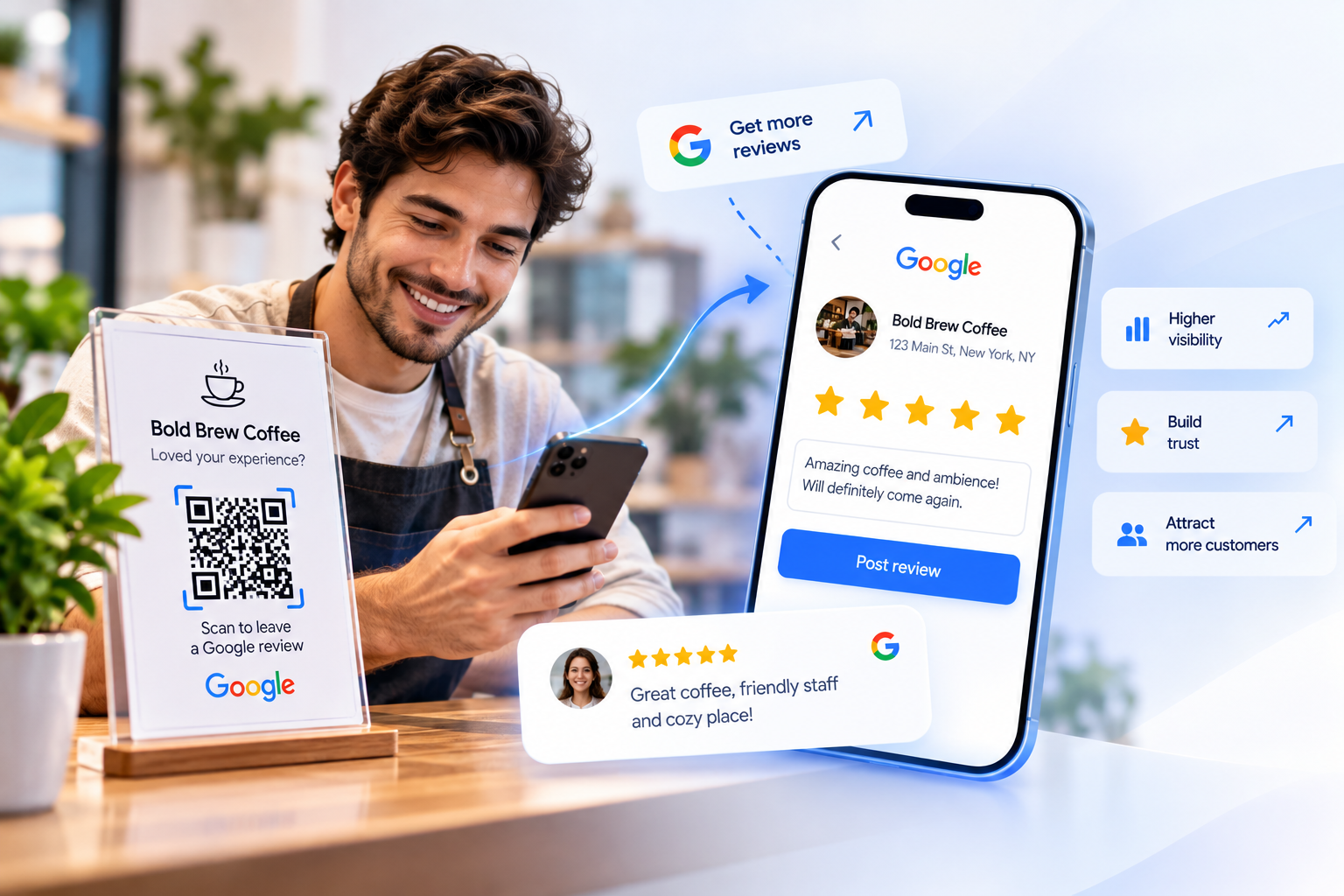
What is a review QR code?
A review QR code is a scannable code that opens your review page — most often a Google review link — when a customer points their phone camera at it. Instead of searching for your business, finding the reviews tab, and tapping through, the customer lands directly on the rating prompt and can leave a Google review in a couple of taps. The same idea works for a feedback QR code that opens a survey or form.
With QRBold, the code is dynamic. The printed code points to a short link we manage, so the destination behind it can change without changing the code itself. Switch review platforms, add a new location’s Google review link, or route customers to a feedback form first, and every printed scan-to-review code instantly follows — no reprinting required.
Why use a QR code to collect Google reviews?
Most happy customers would leave a review if it were easy — but asking them to search your business name, scroll to reviews, and sign in loses people at every step. A QR code to leave a review collapses all of that into a single scan that drops the customer straight onto your Google review page with the star prompt open. Fewer steps reliably means more reviews.
It is also measurable and editable. A printed review link is invisible to analytics and frozen the moment it is printed. A dynamic review QR code tells you how many people scanned, from which cities, on which devices, and when — and lets you update the destination in seconds whenever you change platforms or add a location. That turns every receipt, table tent, and card into a trackable engine for reviews and reputation.
Best practices for review QR codes
A review QR code only grows your reviews if it scans reliably and lands customers in the right place:
- Use a dynamic code. Never hard-code a review URL you might change — a dynamic code lets you re-point it without reprinting a single card.
- Use a direct review link. Point the code at your Google "leave a review" URL so customers land on the rating prompt, not a generic profile.
- Ask at the right moment. Place the code where customers are happiest — on the receipt, the bill, or a thank-you card right after a great experience.
- Add a clear call to action. A frame like "Scan to leave a review" or "Loved it? Rate us" can dramatically increase scans over a bare code.
- Export as vector. Download SVG or PDF so the code stays crisp from a business card to a window decal.
- Test before printing. Scan the final artwork on both an iPhone and an Android to confirm it opens the correct review page.
How QRBold compares to basic QR generators
Plenty of free tools can encode a Google review link into a QR code. The difference shows up after you print. Basic generators create static codes: if your review URL changes, you switch platforms, or you add a location, the code dies — and you will never know how many people scanned it.
QRBold is built for businesses that put codes on physical things — receipts, table tents, cards, packaging, and signage. You get dynamic review codes you can re-point anytime, full design customization with your logo and brand colors, print-ready vector exports, scan analytics with location and device breakdowns, and bulk tools for managing many locations at once. Start free, and upgrade only when your scan volume grows.