




















What a digital business card is, and why the format works
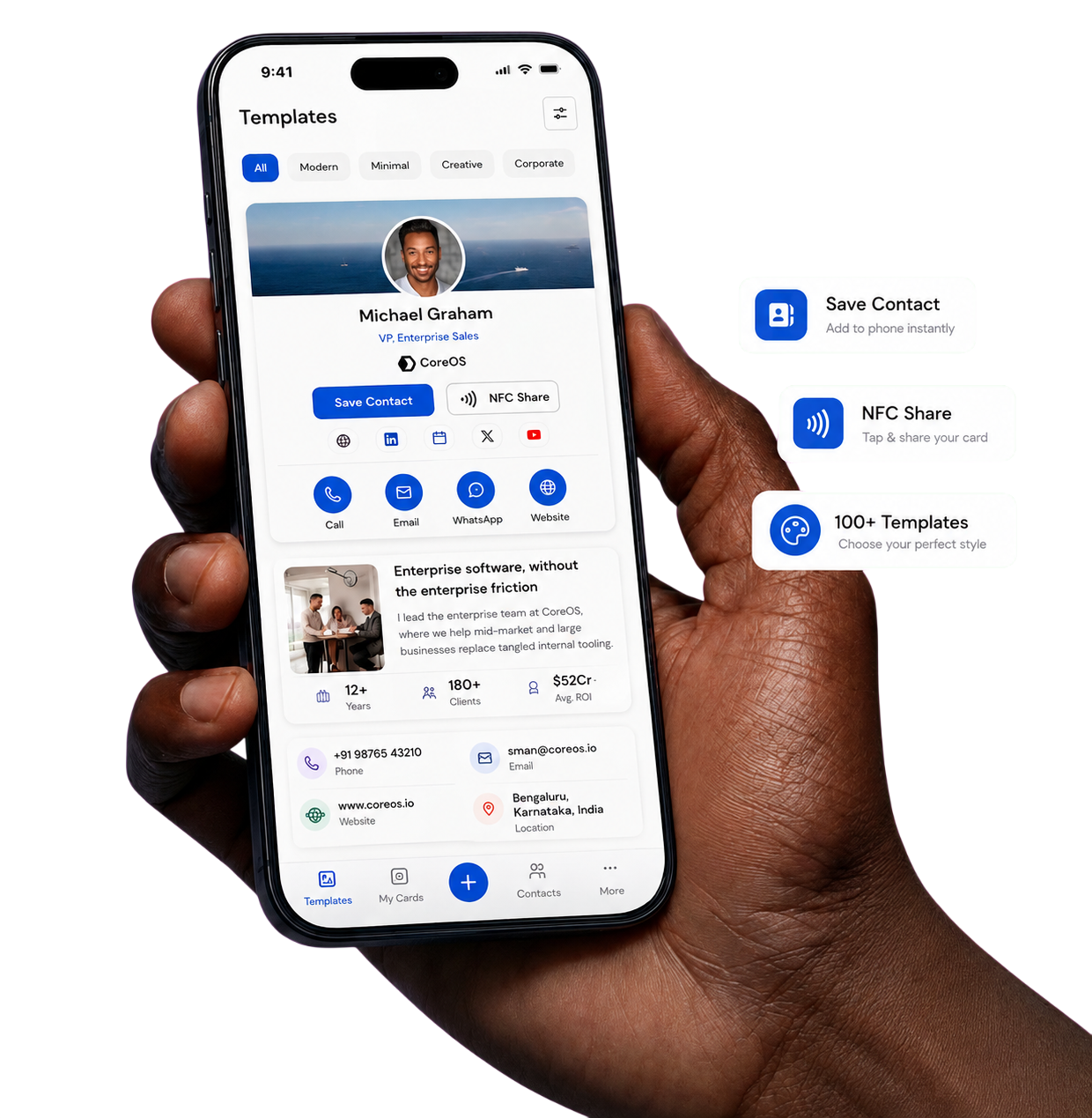
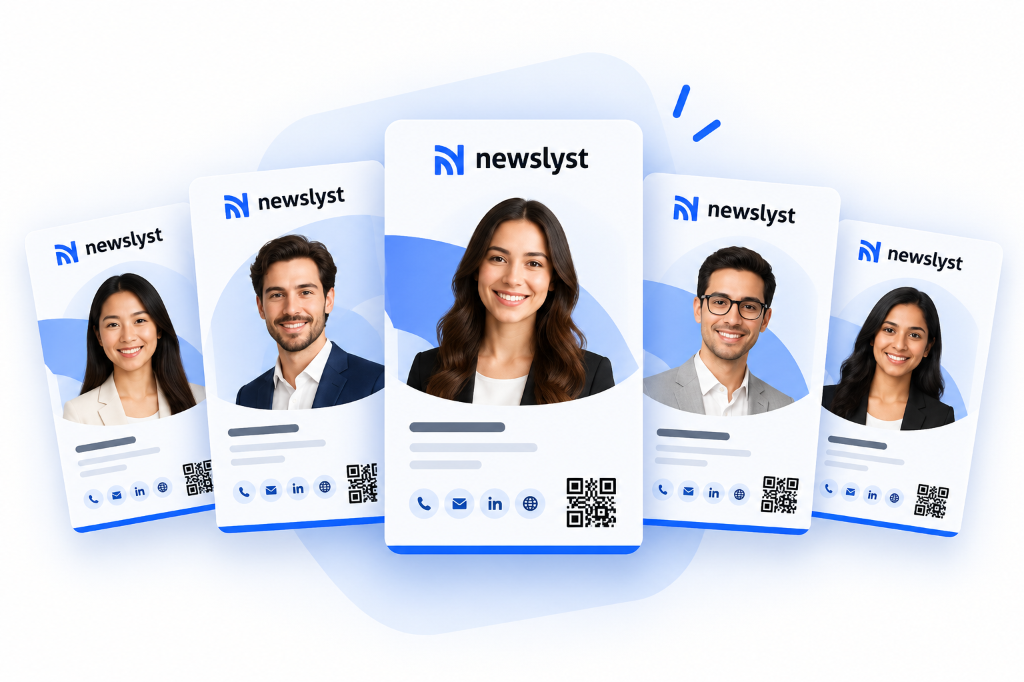
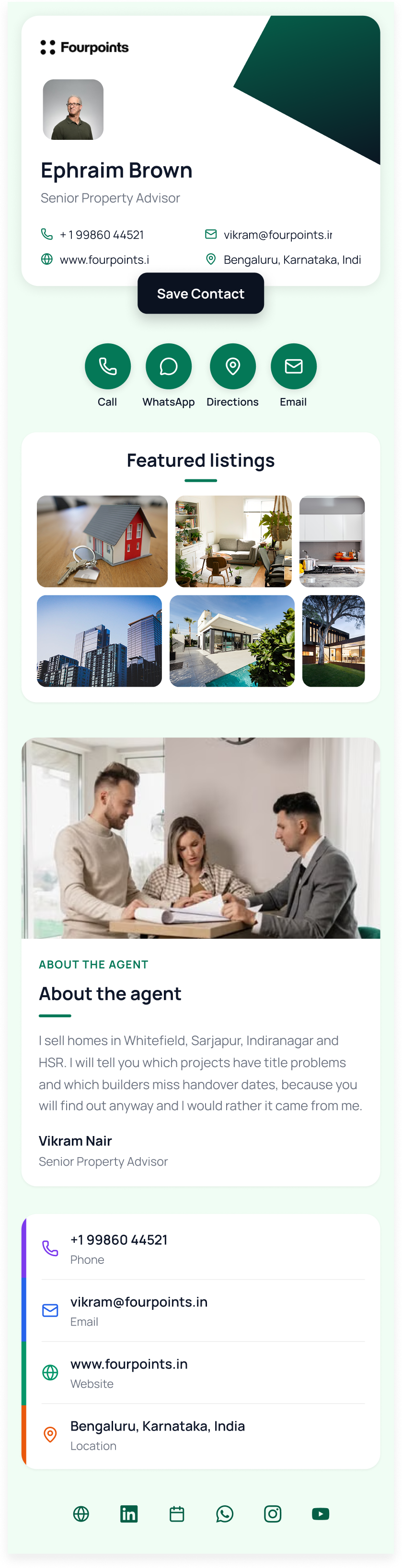
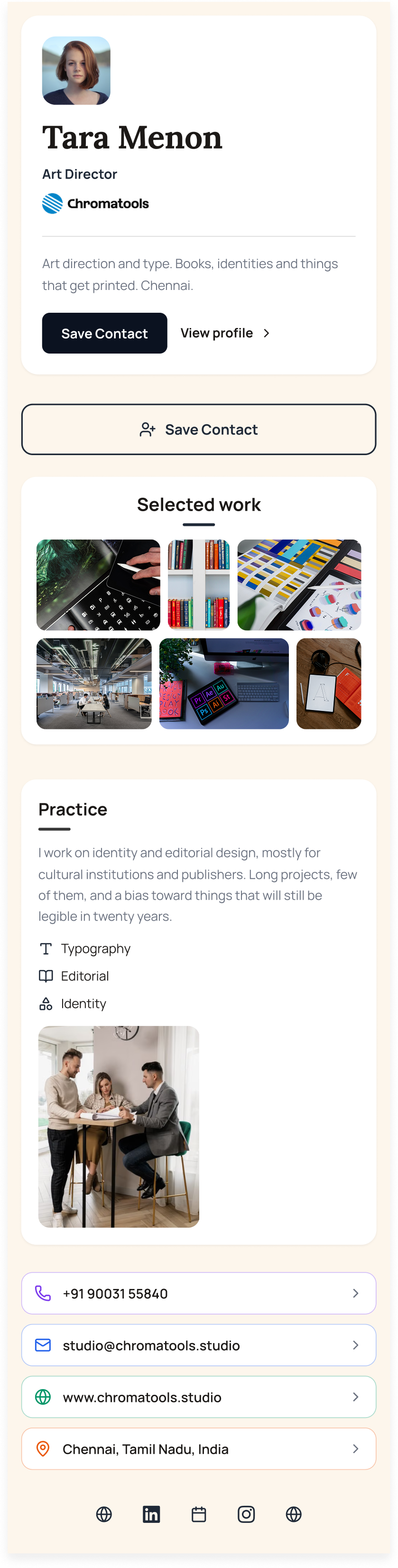
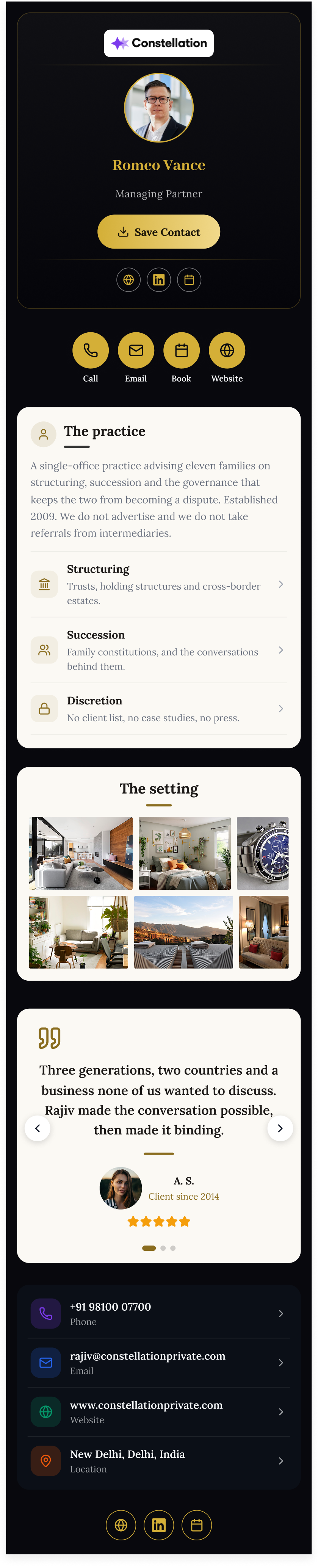
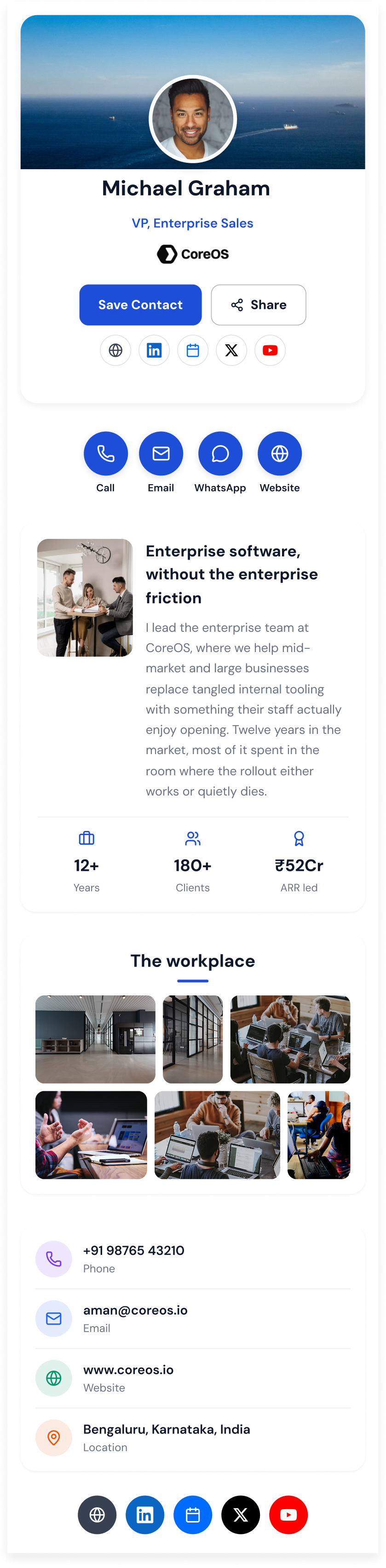
A digital business card is a web page that represents a person: their name, job title, company, phone number, email address, and whichever links matter — LinkedIn, a booking page, a portfolio. It is reached by scanning a QR code, tapping an NFC tag, or opening a link, and on any modern phone the recipient can save the whole thing to their contacts in one tap without installing anything.
Virtual business card and electronic business card describe the same object. So does the phrase most people actually use — "just scan this" — which is worth remembering, because the format only works if the person on the other side never has to be taught how it works.
The property that makes a digital business card worth using is that the card and the code are separate things. The QR code points at a short link; the card sits behind it. That means the code printed on a badge in January is still correct in December after a promotion, a phone number change, and a rebrand — because none of those touched the code. A printed card freezes on the day it goes to press, which was never really a paper problem so much as an addressing one.
The second property is measurement. A paper card disappears into a pocket and is never heard from again. A digital business card produces scan counts, locations, devices, and times, which is what lets an organisation answer whether a conference, a badge design, or an email signature placement is actually generating contacts.
How does a digital business card work?
There is no app, no account, and no software on the receiving side. A digital business card is a URL, and everything else is a different way of handing that URL to somebody.
- A QR code opens it. Every current iPhone and Android camera scans QR codes natively. Point, tap the notification, the card opens as an ordinary web page. This is how most digital business cards get shared in person.
- An NFC tag opens it. A programmable NFC tag or card written with the card link opens the same page on tap. Useful when you want the physical object — a metal card, a sticker on a laptop, a tag behind a badge.
- The link opens it. Paste it into a message, an email signature, a calendar invite, or a video call chat. Remote introductions are where a digital business card quietly beats paper, because paper cannot be shared at all.
- One tap saves the contact. The card exports a full vCard 4.0, so the recipient gets a correctly spelled name, a working number, and a populated job title in their phonebook — rather than a photo of a card they will never type up.
- Edits reach the card, not the code. Because the code is an address rather than the data itself, changing a title or a number updates every card already in circulation. Nothing gets reprinted.
How to create a digital business card
Making one for yourself takes a few minutes. Making four hundred is a different problem, covered further down — but the individual flow is the same one running underneath it.
- Pick a template. Layout, colours, and which fields appear. For a company programme this is chosen once and locked; for a personal card, pick whatever looks like you.
- Add your details. Name, job title, company, phone, email, and the links worth having — LinkedIn, a scheduling page, a portfolio, a WhatsApp thread. Fewer, better links outperform a wall of icons.
- Apply your branding. Logo, palette, and the domain the card is served from. Cards on your own domain look like your company rather than like a vendor.
- Publish and take the QR code. You get a link and a print-ready dynamic QR code. Dynamic matters: it stays valid when the details behind it change.
- Share it, then read the numbers. Put the code on a badge, a printed card, or an email signature, then use scan and contact-save counts to work out which placement is actually earning contacts.
Ways to share a digital business card
The card is one artefact with several surfaces, and the surfaces do not perform equally. Most teams find that email signatures and badge codes generate more contacts than the in-person moment everybody designs for.
- A printed QR code. On a paper business card, a conference badge, a booth banner, a table tent, or the back of a laptop. The highest-volume placement for most people.
- An NFC card or tag. Tap-to-open from metal card stock or a sticker. QRBold does not sell NFC hardware — any blank programmable stock can be written with a card link.
- An email signature. A link or a small QR image under every message. Compounding, passive, and the placement most often forgotten.
- The direct link. Messaging apps, video call chat, LinkedIn, calendar invites. The only sharing method that works when nobody is in the room.
- Your phone screen. Open your own card and let the other person scan it off the screen. No hardware, no printing, and it works the first time you need it.
Why use a digital business card?
The case is not that paper is obsolete — in several markets a printed card still carries real social weight. The case is that a printed card is a poor container for information that changes.
- The details stay correct. A promotion, a new number, or a rebrand updates every card already sitting in someone's pocket, because the code addresses the card rather than encoding it.
- Contacts actually get saved. One tap writes a complete vCard into the phonebook. The alternative is a photo of a card in a camera roll, which is where most paper cards end their working life.
- It is measurable. Scans, saves, times, and sources are visible, so you can tell which events and placements produce contacts and which ones only produce activity.
- It stays on brand. One locked template makes a thousand cards look like one company — the thing that never survives contact with a print budget and a regional office.
- It costs less at scale. No reprint on every title change, and, depending on how the platform prices, no per-seat licence for people who share a card twice a year.