Bulk Creation

Bulk Digital Business Cards

Create hundreds or thousands of digital business cards in one pass. Upload a CSV or XLSX, map your columns to card fields once, and QRBold validates every row before it generates anything — so you find the twelve broken email addresses at import time rather than after the badges are printed.

Start Free

Last updated

CSV & XLSX

Both formats, no conversion step

Row-level

Validation before anything generates

1 template

Applied across the entire batch

Per-card

QR code, short link, and analytics

How do you create digital business cards in bulk?

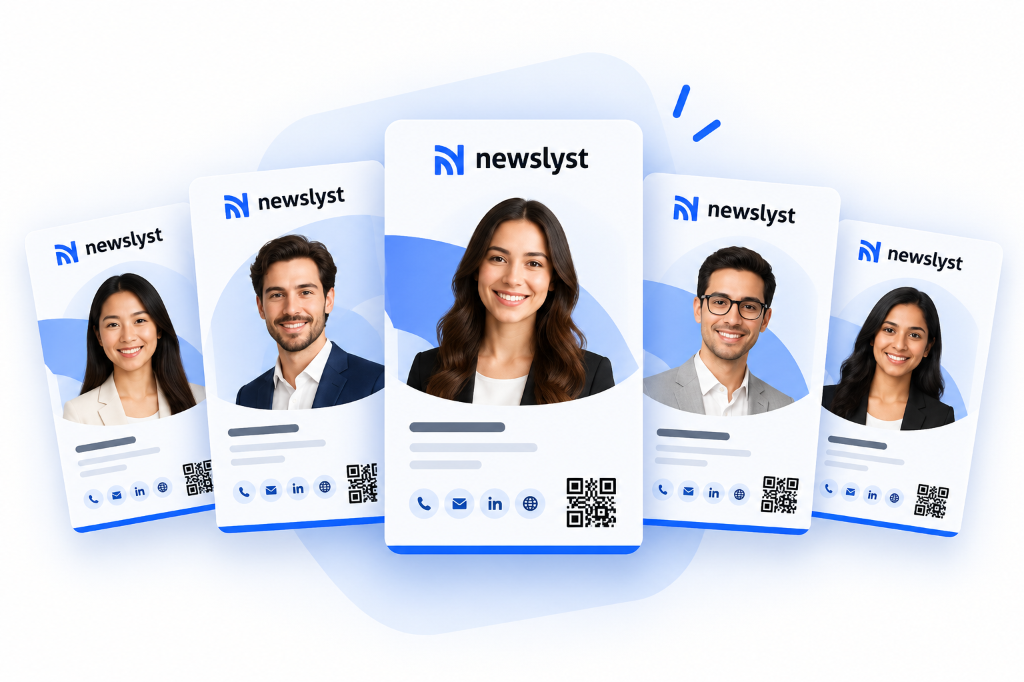
Upload a CSV or XLSX file of employee details, map each spreadsheet column to a card field, and QRBold validates every row before generating anything. Cards are created against one branded template, each with its own QR code and short link, and the whole batch is managed as a single campaign in the dashboard.

Why teams choose QRBold for bulk creation

Errors surface before generation, not after printing

QRBold validates the whole file first and reports problems by row and column — malformed emails, missing required fields, values that will not fit. The failure this prevents is expensive and common: discovering the bad rows after 900 QR codes have already gone to a print run.

Map columns once, reuse the mapping

Your export will not have QRBold's field names, and it should not have to. Map "Emp First Name" to first name, "Work Cell" to phone, and whatever else your HRIS calls things. The mapping is saved with the campaign, so next quarter's export imports without redoing it.

One template, no design drift

The batch is generated against a single card template, so every card shares the logo, colours, typography, and layout. Individual details vary; the brand does not. This is the practical difference between a rollout and a thousand people making their own card.

A campaign you can manage afterwards

The batch stays a unit. Track scans across the whole campaign, compare cards, re-run the import when the roster changes, and update the shared template to restyle every card at once without regenerating a single QR code.

Create a batch of cards in four steps

1

Design the card template first

Build one card the way every card in the batch should look — logo, colours, fields, layout, call-to-action. Everything the batch shares belongs here, because changing the template later restyles the entire campaign in one action.

2

Upload your CSV or XLSX

Export from your HR system, CRM, or wherever the roster lives. No specific column order or naming is required — QRBold reads the header row and lets you map from there.

3

Map columns and fix what validation finds

Point each spreadsheet column at a card field. QRBold checks every row and lists the problems with their row numbers. Fix them in the file and re-upload, or correct them inline, until the batch is clean.

4

Generate, then distribute

Generate the batch. Each person gets their own card, QR code, and short link. Download print-ready assets for badges and cards, or send everyone their link — and keep the campaign for updates when the roster changes.

Bulk creation specification

The technical detail an evaluation actually turns on, in one place.

Input formatsCSV and XLSX
Column mappingArbitrary header names mapped to card fields; mapping saved with the campaign
ValidationWhole-file check before generation, reported per row and column
Template modelOne shared card template across the batch; editable after generation
Per-card outputUnique card page, QR code, short link, and scan analytics
Short linksAuto-generated, or supplied per row for custom codes
Re-importRe-run against the same campaign to add or update rows
RestylingTemplate edits apply to every card without changing any QR code
Programmatic alternativeJSON ingestion API for systems that should not export spreadsheets

Bulk creation is a data problem, not a design problem

Every bulk card tool can generate a thousand cards from a clean file. Almost none of the pain of a rollout is in the generation step. It is in the file.

Real employee exports are messy in predictable ways. Phone numbers arrive in four different formats. Some people have no mobile number at all. Job titles contain trailing whitespace, internal abbreviations, and occasionally a line break. Email addresses have typos. Two employees share a name. A department column contains a code rather than a label. Someone's surname has an apostrophe that broke the CSV quoting.

A tool that generates first and reports failures afterwards leaves you comparing a list of errors against a spreadsheet by hand. Validating the whole file before generating anything means the reconciliation happens once, in the file, where it can actually be fixed — and where fixing it also improves the source data for next time.

Bulk import or directory sync?

These solve overlapping problems and the right answer depends entirely on whether the population changes.

  • Use bulk import for fixed populations. Conference delegations, a printed badge run, a one-off campaign, a client roster. The set is known, it is not going to change much, and a snapshot is genuinely the correct model.
  • Use directory sync for staff. Employees join, get promoted, and leave continuously. A snapshot of a workforce is wrong the week after you take it, and the departures are the part that matters.
  • Use both, commonly. Directory sync for the permanent staff card programme, bulk import for the event-specific batches that sit alongside it.
  • Use the API when a system owns the data. If an HRIS or CRM can post records, an ingestion endpoint beats a human exporting a spreadsheet on a reminder.

Restyling a batch after it is printed

The single most useful property of a batch generated against a shared template is that the design and the data are separate. A rebrand, a new logo, a change to which fields appear, a different call-to-action — all of these are template edits that apply across every card in the campaign at once.

None of it touches the QR codes. Every code points at a short link QRBold manages, and the link is unchanged by a design edit. Badges printed last year still scan; they just render the new design. For an organisation that has physically distributed a thousand printed artefacts, that is the difference between a rebrand being a design task and a rebrand being a reprint budget.

Bulk Creation questions, answered

The questions that come up in real evaluations, answered directly.

Generate the whole roster in one pass

Upload your spreadsheet, map the columns once, and get a branded, trackable card for every person on it.

Start Free

No credit card required